> For the complete documentation index, see [llms.txt](https://help.getalltool.com/king-linked-options/llms.txt). Markdown versions of documentation pages are available by appending `.md` to page URLs; this page is available as [Markdown](https://help.getalltool.com/king-linked-options/how-to-create-product-group.md).
# How to create product group
First, navigate to the “Product group” menu, “**Apps > King Linked Options > Product group**”
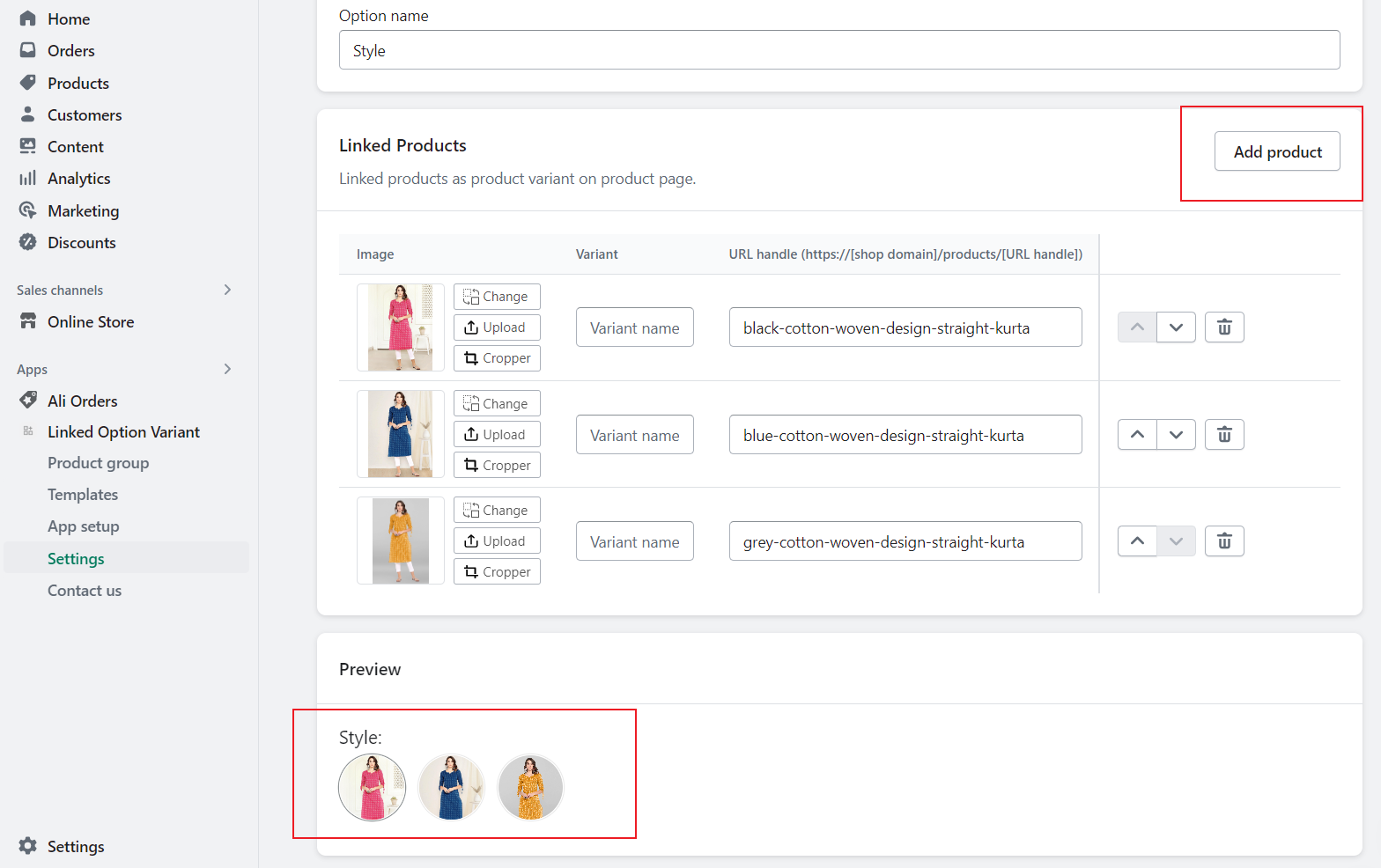
Create product group
Then, click the “**Create group**” button, by adding products, you can preview linked options.